How to Annotate Job Photos: Mark What Matters
Circle damage, label areas, and flag issues right on the photo — without ever altering the original.
Read the guide
Jobument for Android
Capture before, during, and after photos, build matched evidence, preserve integrity-verified originals, collect customer acknowledgement, and create professional PDF reports—all on your device with no account required.
Free to download · 3 full jobs free · Pro $12.99/mo or $149.99 founding lifetime.
Proof built into the job
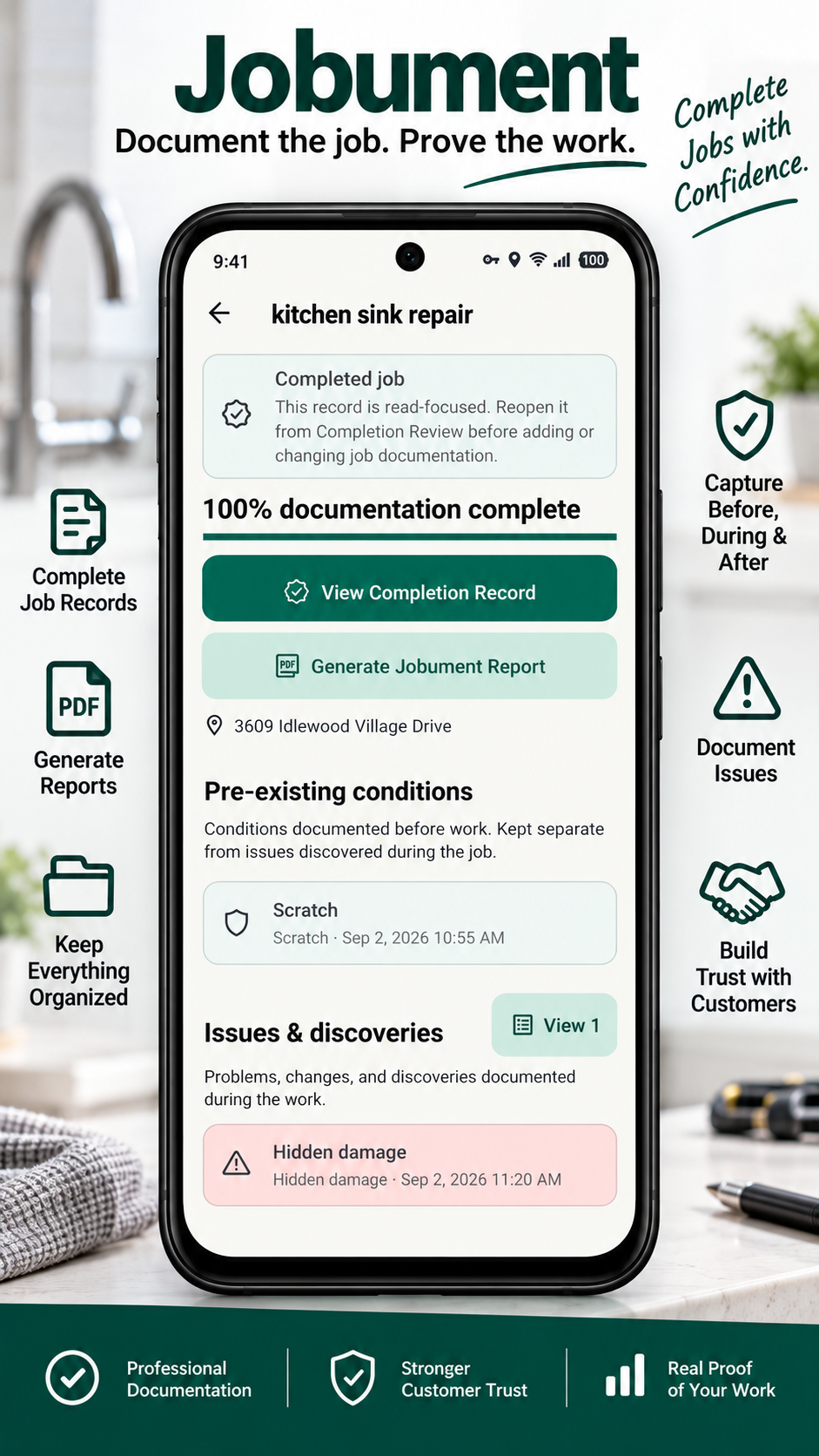
A customer says something was damaged, but it was already there before the work started. The before-photo exists, but it is buried somewhere in your camera roll.
Jobument keeps photos tied to the job and customer, supports matched before-and-after evidence, preserves integrity-verified originals, and keeps acknowledgement with the completed record.
Interactive Jobument workflow
Choose a stage to walk through the Jobument workflow and see the real app screen connected to that part of the job.
Create or select the customer so the job and its documentation stay connected to the right record.
Pricing
Or $149.99 one-time founding-member lifetime (future price $299).

Who it is for
FAQ
Jobument is an Android job-documentation app for contractors and field-service professionals. It keeps customers, jobs, evidence, acknowledgement, history, and PDF reports connected in one workflow.
No. Jobument does not require an account.
Yes. Jobument is designed to work offline so you can document jobs without depending on a connection.
Jobument is local-first, with job records centered on your device.
The free version includes 3 full jobs, photo documentation, PDF reports, offline use, and no required account.
Pro removes the 3-job limit and includes company branding, additional report layouts, documentation plans, and proof packages.
Jobument Pro is $12.99 per month, or $149.99 as a one-time founding-member lifetime purchase (future lifetime price $299).
Jobument supports Android 7.0 and newer.
Circle damage, label areas, and flag issues right on the photo — without ever altering the original.
Read the guideThe 5-minute end-of-day routine: what to photograph, keeping angles consistent, and organizing progress photos by day and phase.
Read the guideThe 10-minute pre-work photo checklist — exactly what to photograph before your crew arrives.
Read the guideJobument for Android
Free to download · 3 full jobs free · Pro $12.99/mo or $149.99 founding lifetime.