
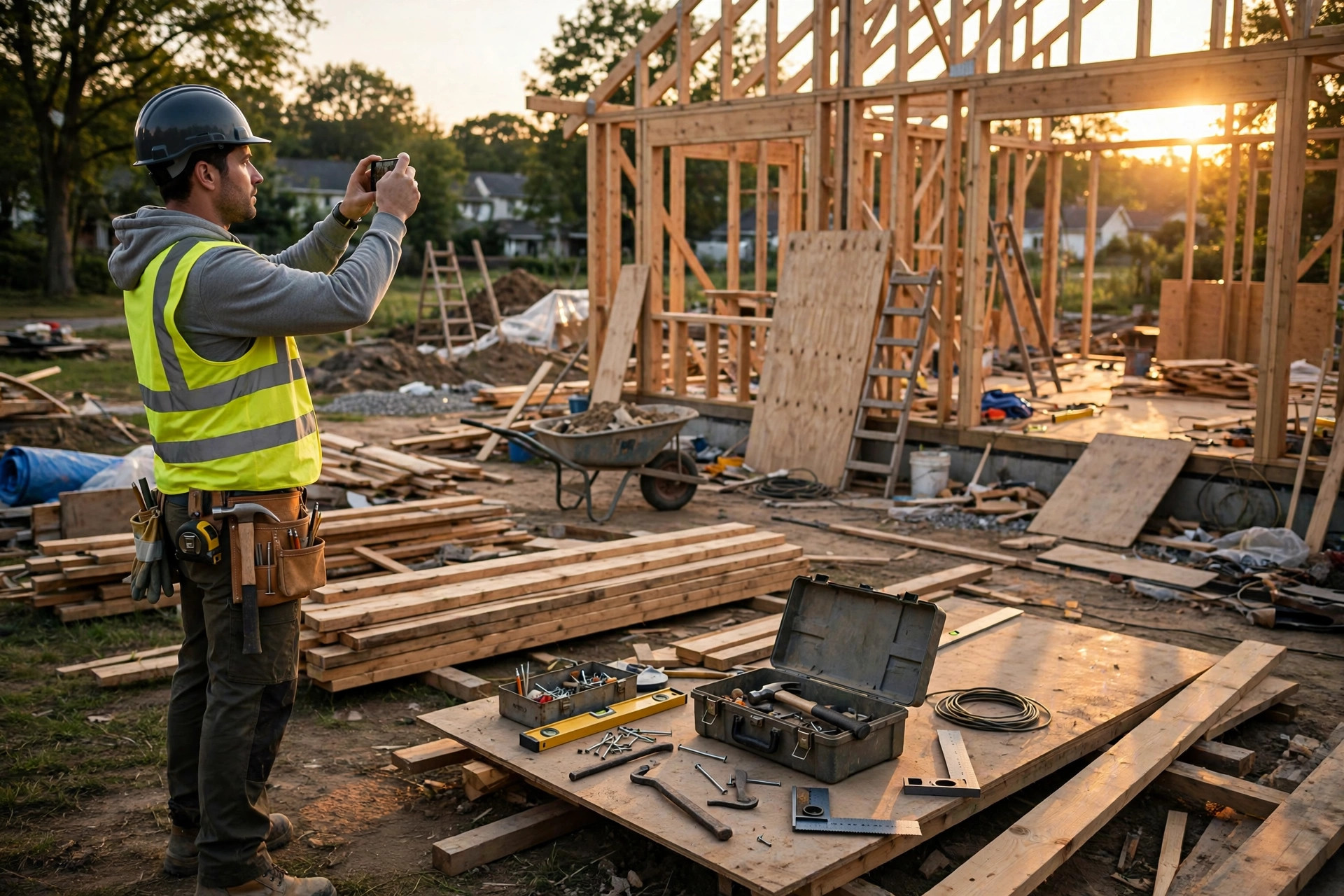
Every contractor has a version of this story. You're two weeks into a remodel, the client walks the site, looks around, and says: "It doesn't feel like much has changed since last week."
But everything changed. Your crew spent three days on rough-in — plumbing moved, electrical rerun, the inspection passed and signed off. The problem is that all of it is behind the walls now. You've got a finished-looking room with nothing to show for the week's work, and the client is doing the math in their head about what they're paying for.
Before-photos protect the start of the job. Final walkthrough photos prove the result. But most mid-job friction lives in the middle — the pace of the work, the sequence of what happened when, and all the work that's invisible by the time anyone thinks to photograph it. That's what a daily photo log is for.
A daily log isn't a pile of job-site photos. It's a timeline: what happened on each day, in order, with dates nobody has to argue about. Here's how to keep one without it becoming a second job.
Why the middle of the job needs its own documentation
Before-and-after photos get all the attention, but they skip the part clients question most. Mid-job disagreements are almost always about three things:
- Pace. "It feels like nothing happened this week." A week of dated anchor shots showing framing going up, then mechanicals, then insulation answers that in thirty seconds.
- Sequence. "Was that wall already like that?" "Did the electrician come before or after the plumber?" A day-by-day record settles sequencing questions without anyone relying on memory.
- Hidden work. The most expensive photos on any job are the ones you can never retake: rough-in plumbing and electrical before drywall, waterproofing before tile, trench work before backfill, under-slab work before the pour. Once it's covered, a photo is the only proof it was done — and done right.
The daily log also covers things that aren't about the client at all: which days the crew was on site, when materials arrived, what the weather did, what got discovered behind a wall. When the schedule slips, the log explains why — with dates attached.
The 5-minute end-of-day routine
The system only works if it's fast enough to survive a twelve-hour day. Here's the routine: five minutes, end of every workday, before the crew leaves.
Tie it to something you already do — the last walk of the day. Walk your anchor positions, shoot what's new, shoot what's about to be covered, and you're done. Don't save it for Friday. By Friday you won't remember what Tuesday looked like, and a week of catch-up photos taken from memory is fiction, not documentation.
Five minutes a day is the whole budget. If the system needs more than that, contractors won't do it — and a system nobody follows protects nobody.
What to photograph each day
The anchor shots — same positions, every day
On day one, pick 4–6 fixed positions that show the work area — ideally the same spots as your before-photos. Shoot them from the same angles, same framing, every single day. These are the spine of the log: flip through two weeks of anchor shots and the job animates itself.
Pick positions you can find again tomorrow: doorway corners, fixed landmarks, a spot you can stand in without thinking. Some contractors put a small piece of tape on the floor at each anchor point. It looks obsessive until the first time a client questions the pace of the work and you scroll through fourteen identical-framed shots showing the room transforming.
What's new today
Whatever the crew actually did: framing up, cabinets hung, tile set, paint cut in. Shoot the work itself. You don't need artistry — you need a clear, dated record that Tuesday's work happened on Tuesday.
What's about to disappear
This is the category to never skip. If something gets covered tomorrow, photograph it today: rough-in before insulation, shower waterproofing before tile, flashing before siding, trench and conduit before backfill. Walk the site at the end of the day specifically asking: what won't I be able to photograph tomorrow? If the answer is anything, shoot it now.
On cover-up days, take more photos than usual. Ten extra shots of what's behind the drywall cost you two minutes and are the photos you'll be most grateful for a year from now.
Deliveries and materials
What arrived, when, and what condition it was in. Photograph damaged materials on the truck, not after they've been installed and the supplier says "that must have happened on site." A dated photo of a cracked slab or warped lumber at delivery ends that conversation before it starts.
Problems, conditions, and delays
Standing water in the excavation. Rot discovered behind the old siding. A wall that's out of plumb. Weather shutting the site down. An inspection that didn't pass. Photograph the reason, not just the result — these are the photos that explain the schedule when the client asks why week three looks like week two.
Who was on site
One wide shot showing the crew at work answers "nobody was here Tuesday" without you saying a word. Keep it matter-of-fact — this is a work log, not surveillance. Most crews stop noticing after the second day.
Consistency is the whole trick
A daily log shot from random angles is a pile of photos. Shot from the same positions every day, it's a time-lapse of the job — and the difference between those two things is the entire value of the habit.
Your phone camera is fine. Consistency beats equipment every time: same anchor spots, same framing, same time of day. The before-photos from your pre-work walkthrough are day zero of this same system — the daily log just continues the habit at higher frequency until the final walkthrough closes it out.
If you only keep one rule from this article, keep this one: same positions, every day.
Organize by day — and label the day while it's fresh
Photos without organization are just a camera roll you'll never search. The structure is simple:
- One folder per job, one subfolder per day (2026-10-14, 2026-10-15…), or one subfolder per phase if the job breaks cleanly into phases.
- Label the day's set the same day. "10-14 — rough-in inspection passed" is documentation. "IMG_4829" through "IMG_4852" is a puzzle you'll never solve.
- Add one line of notes per day. Crew count, what got done, what blocked progress. A photo log with one-line daily notes is worth ten times a photo log without — the notes are what turn pictures into a record.
Do the labeling before you leave the site. It takes ninety seconds while the day is fresh and it never happens "later tonight."
What to do on days with nothing to show
Rain days. Inspection waits. Material delays. Days the crew isn't on site. Still take the anchor shots.
A photo of an empty site on a rain day, with a one-line note — "rained out, no crew" — explains a schedule gap better than any excuse offered three weeks later. A photo of the site the morning the delayed lumber still hasn't arrived documents a delay that wasn't your fault.
Never skip the day. The log's power is that it's continuous: an unbroken daily record is what makes each individual photo believable. A gap in the log is a gap in the story, and gaps are where arguments grow.
The timestamp rule, daily edition
Same rule as your before-photos: phone timestamps live in editable EXIF data, so keep your originals unedited and keep the chain unbroken — captured daily, labeled daily, organized per job, never altered after the fact. If your documentation tool independently verifies photo integrity, that's a meaningfully stronger position than a camera roll alone. (Jobument, for example, fingerprints Before, Progress, and After photos with SHA-256 checks so you can show they haven't been tampered with since the day they were taken.)
You don't need to understand the cryptography. You just need a daily record whose dates nobody can credibly question.
Connecting the three phases: baseline, daily log, walkthrough
Think of your job documentation as three connected pieces:
- Baseline — the pre-work walkthrough: the starting point, exactly as you found it. (If you haven't built this habit yet, start here: How to Document Pre-Existing Damage Before Starting Work.)
- Daily log — this article: the story of the job, day by day, including everything that got covered up along the way.
- Walkthrough — final photos from the same anchor positions: the result, directly comparable to day zero.
At the final walkthrough, the daily log lets you walk the client through the whole job, not just the finished product: here's the rough-in behind this wall, here's the waterproofing under this tile, here's what each week looked like. Clients who've seen the work happen — even in photos — don't question the invoice the way clients who only saw a finished room do.
The index card
The whole system fits on an index card:
- End of every workday: five minutes — anchor shots, what's new, what's getting covered tomorrow.
- Same positions, same framing, every day.
- One folder per job, one subfolder per day, labeled before you leave the site.
- Photograph problems and delays, not just progress.
- Never skip a day — an empty site plus a one-line note still counts.
Do that every day and the "nothing's changed since last week" conversation stops happening. You've got fourteen dated photos that say otherwise.
This is the exact workflow Jobument was built around: Before, Progress, and After photos organized per job, with SHA-256 integrity fingerprinting on every photo and a finished Jobument Report you can share with the client at final walkthrough. The free tier covers 3 full jobs, start to finished report, so you can run this daily-log system on your next three jobs without paying anything.
Document your next job properly — free
Jobument organizes your Before, Progress, and After photos per job and verifies they haven't been altered. It builds a professional proof-of-work report you can hand the client at final walkthrough.
FAQ
How many photos should I take each day?
Enough to reconstruct the day without being there: your 4–6 anchor shots plus whatever's new or about to be covered. For most jobs that's 10–25 photos and about five minutes. Take more on rough-in and cover-up days, fewer on finish-work days when the changes are cosmetic.
What if I miss a day?
Don't backfill it with older photos or fake the date — a dated gap with an honest one-line note ("rained out, no crew on site") is documentation; a fabricated entry is a liability. Take the anchors the next morning and keep going. One missed day doesn't break the log; a pattern of them does.
Should I send the daily photos to the client?
Not daily. A daily firehose trains clients to micromanage and buries the important photos under routine ones. Send a short weekly digest — the anchor shots plus the week's milestones — and keep the full daily set organized for yourself. Bring the complete log to the final walkthrough, where it does the most good.
My jobs are only two or three days long. Is a daily log overkill?
No — short jobs have the thinnest margins, so one disputed "nothing happened" claim hurts more. The routine is the same five minutes; on a three-day job that's fifteen minutes total. Small jobs generate disputes too, and the log costs you almost nothing.